

comptia a+ guide to it technical support
CompTIA A+ Guide to IT Technical Support: An Overview
CompTIA A+ is a foundational IT certification, validating essential skills for roles like help desk and IT support, boosting career prospects significantly.
What is CompTIA A+?
CompTIA A+ is globally recognized as the industry-standard certification for launching an IT career. It validates foundational skills needed to perform core IT support tasks, encompassing both hardware and software troubleshooting. This certification demonstrates competency in areas like operating systems, networking, security, and mobile devices.
Specifically, it proves a technician can assemble systems, diagnose and resolve hardware/software issues, and understand networking basics. Earning A+ signifies a commitment to professional development and provides a strong base for further IT certifications and specialized roles. It’s truly the starting point for many successful IT professionals.
Why Get CompTIA A+ Certified?
Obtaining CompTIA A+ certification significantly enhances career opportunities within the competitive IT landscape. It validates your skills to potential employers, demonstrating a commitment to professional development and a foundational understanding of IT support principles.
Certification often leads to increased earning potential and opens doors to entry-level roles like help desk technician, IT support specialist, and field service technician. Furthermore, it serves as a stepping stone for more advanced certifications, accelerating your career trajectory. Investing in A+ is investing in your future IT success, proving your capabilities.

Essential Hardware Knowledge
A+ certification requires a solid grasp of computer components, including motherboards, CPUs, RAM, storage, and power supplies—critical for effective troubleshooting.
Understanding Computer Components
A comprehensive understanding of computer hardware is paramount for any IT professional. The CompTIA A+ exam heavily emphasizes recognizing and diagnosing issues within core components. This includes identifying various types of CPUs, understanding motherboard layouts and chipsets, and differentiating between RAM types like DDR4 and DDR5.
Furthermore, knowledge of storage devices – HDDs, SSDs, and NVMe drives – is crucial, alongside understanding their performance characteristics. Being able to identify expansion slots, ports, and peripherals is also essential. Successfully navigating hardware troubleshooting requires a firm foundation in these fundamental building blocks of a computer system, enabling efficient problem resolution and system maintenance.
Motherboards and CPUs
The motherboard serves as the central nervous system of a computer, connecting all components. CompTIA A+ requires understanding different motherboard form factors (ATX, Micro-ATX, Mini-ITX) and their compatibility with CPUs. CPU knowledge includes recognizing Intel and AMD processors, understanding clock speeds, core counts, and cache sizes.
Identifying CPU sockets (LGA, AM4) and ensuring compatibility with the motherboard is vital. Troubleshooting involves recognizing signs of CPU or motherboard failure, like overheating or boot issues. Understanding BIOS/UEFI settings for configuration and troubleshooting is also key. Proper installation and recognizing common issues are essential skills for any IT support technician.
RAM and Storage Devices
Random Access Memory (RAM) is crucial for system performance; CompTIA A+ focuses on understanding RAM types (DDR4, DDR5), speeds, and capacities. Technicians must know how to install and troubleshoot RAM issues, like incompatibility or failure. Storage devices encompass Hard Disk Drives (HDDs) and Solid State Drives (SSDs).
Understanding the differences in speed, reliability, and cost is vital. Knowledge of storage interfaces (SATA, NVMe) and file systems (NTFS, FAT32) is essential. Troubleshooting involves recognizing drive failures, data recovery basics, and proper installation procedures. Recognizing the impact of storage on overall system performance is key for effective IT support.
Power Supplies and Cooling Systems
A reliable power supply (PSU) is fundamental to system stability; CompTIA A+ requires understanding PSU wattage, efficiency ratings (80+ Bronze, Gold, Platinum), and connector types. Technicians must be able to diagnose PSU failures and safely replace them. Effective cooling is equally vital, preventing overheating and ensuring component longevity.
This includes understanding CPU coolers (air, liquid), case fans, and thermal paste application. Troubleshooting involves identifying overheating causes, cleaning dust buildup, and ensuring proper airflow. Recognizing the relationship between power, heat, and system performance is crucial for effective IT support and preventative maintenance.

Operating System Fundamentals
Mastering OS basics – Windows, Linux, and macOS – is key for A+ certification, enabling effective troubleshooting, installation, and configuration for diverse user needs.
Windows Operating Systems
Windows remains the dominant OS in many businesses, making proficiency crucial for IT support professionals. A+ certification requires a solid understanding of Windows versions, from older systems like Windows 7 to the current Windows 10 and 11. Key areas include installation, configuration, troubleshooting common errors (like BSODs), and managing user accounts.
Furthermore, familiarity with the Windows Registry, Command Prompt, and PowerShell is essential for advanced troubleshooting. Understanding Windows Update processes, driver management, and basic security features like Windows Defender are also vital components of the A+ curriculum. Effective Windows OS knowledge empowers technicians to resolve a wide range of user issues efficiently.
Linux Operating Systems
While Windows dominates, Linux is increasingly prevalent in servers and specialized IT environments, demanding A+ certified techs possess foundational knowledge. The certification covers basic Linux navigation, file management using the command line, and understanding common distributions like Ubuntu, Fedora, and Red Hat.
Technicians should be able to manage users and permissions, install software via package managers, and troubleshoot basic networking issues within a Linux environment. Familiarity with shell scripting basics is also beneficial. Although not as deeply explored as Windows, a working understanding of Linux is crucial for supporting diverse IT infrastructures and expanding career opportunities.
macOS Operating Systems
Apple’s macOS is a significant player in the computing world, requiring IT support professionals to understand its unique features and troubleshooting techniques. The CompTIA A+ exam assesses basic macOS navigation, system preferences, and common application support. Technicians should be familiar with Time Machine for backups, Disk Utility for drive management, and the macOS Finder for file operations.
Understanding macOS user account management, software installation, and basic command-line interactions (using Terminal) is also important. While not as prevalent in enterprise environments as Windows, supporting macOS devices is increasingly common, making this knowledge a valuable asset for any IT professional.
Command Line Interface (CLI) Basics
The Command Line Interface (CLI) is a text-based method of interacting with a computer’s operating system, essential for efficient troubleshooting and system administration. CompTIA A+ requires familiarity with basic CLI commands in Windows (Command Prompt/PowerShell) and potentially Linux. Understanding commands for navigating directories (cd), listing files (dir/ls), and viewing system information is crucial.
While a GUI is user-friendly, the CLI offers powerful automation and remote access capabilities. Technicians should grasp concepts like piping (|) and redirection (>). Basic scripting knowledge isn’t typically required for A+, but understanding command syntax is vital for diagnosing and resolving complex issues.

Networking Basics for IT Support
Networking is fundamental to IT support; understanding TCP/IP, network devices, wireless standards, and troubleshooting techniques are key skills for A+ certification.
TCP/IP Model
The TCP/IP model is the conceptual framework for modern network communications, essential for any IT professional. It’s broken down into four layers: Application, Transport, Internet, and Network Access. The Application layer handles network applications like web browsing and email. The Transport layer manages reliable data transfer, utilizing protocols like TCP and UDP. TCP ensures ordered and error-checked delivery, while UDP prioritizes speed.
The Internet layer handles logical addressing with IP addresses and routing of data packets. Finally, the Network Access layer deals with the physical transmission of data. Understanding how data travels through these layers is crucial for diagnosing network issues and providing effective IT support, making it a core component of the A+ curriculum.
Network Devices: Routers, Switches, and Hubs
Understanding network devices is fundamental for IT support professionals. Routers connect different networks, forwarding data packets based on IP addresses – essentially acting as traffic directors. Switches connect devices within the same network, learning MAC addresses to efficiently direct traffic only to the intended recipient. This is far more efficient than hubs.
Hubs, older technology, simply broadcast data to all connected devices, creating collisions and slowing down the network; Knowing the function of each – routing, switching, and broadcasting – is vital for troubleshooting connectivity problems and configuring basic network setups, a key skill for CompTIA A+ certification.

Wireless Networking Standards
Wireless networking relies on standards like 802.11, evolving through generations. 802.11b/g/n are older, slower standards, while 802.11ac offers significantly faster speeds and wider channel bandwidth. The latest, 802.11ax (Wi-Fi 6), provides even greater efficiency and capacity, crucial for dense environments.
IT support technicians must understand these standards to troubleshoot wireless connectivity issues, configure access points, and optimize network performance. Knowledge of security protocols like WPA2 and WPA3 is also essential, ensuring secure wireless communication. Familiarity with these standards is a core component of the CompTIA A+ exam.
Network Troubleshooting
Effective network troubleshooting is vital for IT support professionals. Common issues include connectivity problems, slow speeds, and dropped connections. A systematic approach is key: verify physical connections, check IP configuration (using ipconfig or ifconfig), and test network connectivity with ping and traceroute.
Understanding the OSI model aids in isolating the problem layer. Examining router and switch logs can reveal errors. Wireless issues often require signal strength checks and channel adjustments. Documentation of steps and resolutions is crucial for future reference and efficient problem-solving, a core A+ skill.
Software Troubleshooting
Software issues are frequent IT support requests; mastering application installation, configuration, and malware removal is essential for effective problem resolution.
Common Software Issues
IT professionals frequently encounter a diverse range of software problems. These include application errors, slow performance, crashes, and compatibility conflicts between software and hardware. Understanding these common issues is crucial for efficient troubleshooting. Often, problems stem from corrupted files, outdated software versions, or insufficient system resources.
Conflicts with other installed programs can also cause instability. Diagnosing these issues requires a systematic approach, utilizing tools like Task Manager and Event Viewer to identify the root cause. Proper documentation of the problem and steps taken is vital for effective resolution and future reference.
Application Installation and Configuration
Successfully installing and configuring applications is a core IT support skill. This involves verifying system requirements, downloading the correct software version, and following installation wizards carefully. Post-installation, configuration is key – setting preferences, user accounts, and network connectivity.
Troubleshooting installation failures often requires checking permissions, disk space, and compatibility. Understanding registry entries and configuration files can be crucial for advanced customization. Proper documentation of installation steps and configurations ensures consistency and simplifies future maintenance or re-installation processes.
Malware Removal and Prevention
Protecting systems from malware is paramount in IT support. This includes recognizing various types – viruses, worms, Trojans, ransomware – and understanding their infection vectors. Implementing robust antivirus software and firewalls forms the first line of defense.
Regular scans, software updates, and cautious browsing habits are vital preventative measures. When malware strikes, utilizing specialized removal tools and following established procedures are essential. Educating users about phishing scams and safe download practices significantly reduces risk. Backups are crucial for data recovery post-infection.
Software Compatibility
Ensuring software compatibility is a frequent IT support task. Issues arise when applications conflict with operating systems or other software. Understanding system requirements – CPU, RAM, storage, OS version – is crucial for troubleshooting.
Compatibility mode, driver updates, and virtual machines can often resolve conflicts. Identifying the root cause, whether it’s a missing dependency or an outdated component, is key. Thorough testing after implementing solutions is essential to confirm stability. Documenting compatibility issues and solutions builds a valuable knowledge base for future support requests.
Security Fundamentals
IT support requires understanding security threats like malware and viruses; implementing basic defenses like antivirus software, firewalls, and strong user account practices is vital.
Common Security Threats
Understanding prevalent security threats is crucial for any IT professional. Malware, encompassing viruses, worms, and Trojans, remains a significant concern, often spread through malicious email attachments or compromised websites. Phishing attacks attempt to deceive users into revealing sensitive information like passwords and credit card details.
Ransomware encrypts a victim’s files, demanding payment for their release. Social engineering exploits human psychology to gain unauthorized access to systems. Additionally, outdated software and weak passwords create vulnerabilities that attackers can exploit. Staying informed about these threats and implementing preventative measures are essential for protecting systems and data.
Antivirus and Firewall Basics
Antivirus software is a cornerstone of endpoint security, detecting and removing malicious software like viruses and Trojans. Regular updates are vital to recognize new threats. Firewalls act as a barrier between a network and external threats, controlling incoming and outgoing network traffic based on predefined rules.
They can be hardware or software-based. Understanding the difference between network-based and host-based firewalls is key. Properly configuring both antivirus and firewall solutions is essential for a robust security posture, protecting systems from a wide range of cyberattacks and unauthorized access.
Data Backup and Recovery
Data backup is crucial for mitigating data loss from hardware failures, malware attacks, or accidental deletion. Implementing a robust backup strategy involves regularly copying data to a separate storage location – whether local, network-attached storage (NAS), or cloud-based. Different backup types exist, including full, incremental, and differential backups, each offering varying levels of speed and storage efficiency.
Recovery procedures must be tested regularly to ensure data can be restored quickly and reliably. A well-defined disaster recovery plan is essential for business continuity, minimizing downtime and data loss in critical situations.
User Account Management
Effective user account management is fundamental to system security. This includes creating, modifying, and deleting user accounts with appropriate permissions. Implementing the principle of least privilege – granting users only the access necessary to perform their tasks – minimizes potential damage from compromised accounts. Strong password policies, including complexity requirements and regular changes, are vital.
Multi-factor authentication (MFA) adds an extra layer of security, requiring users to verify their identity through multiple methods. Regularly auditing user accounts and permissions helps identify and address potential security vulnerabilities.
Mobile Device Support
Supporting iOS and Android devices requires troubleshooting connectivity, application issues, and security concerns, alongside understanding mobile device networking configurations.
iOS and Android Troubleshooting
Effective mobile device support necessitates a grasp of common iOS and Android issues. This includes resolving connectivity problems – Wi-Fi and cellular – often involving network settings or carrier issues. Application crashes are frequent, requiring force stops, data clearing, or re-installation. Battery drain is another common complaint, potentially linked to rogue apps or system settings.
Troubleshooting also involves addressing display problems, such as unresponsive touchscreens or screen freezing. Furthermore, understanding device-specific recovery modes and backup/restore procedures is crucial for data preservation. Familiarity with factory resets, while a last resort, is also essential. Finally, recognizing hardware failures requiring professional repair is a key skill for any IT support professional.
Mobile Device Security
Securing mobile devices is paramount in today’s IT landscape. This begins with strong passcode implementation and enabling biometric authentication like fingerprint or facial recognition. Regularly updating the operating system and apps patches vulnerabilities exploited by malware. Educating users about phishing attempts and suspicious links is crucial, as mobile devices are frequent targets.
Implementing Mobile Device Management (MDM) solutions allows for remote wiping of lost or stolen devices and enforcing security policies. Understanding app permissions and limiting access to sensitive data is also vital. Finally, promoting the use of secure Wi-Fi networks and avoiding public, unsecured hotspots minimizes risk.
Mobile Device Networking
Mobile devices connect via Wi-Fi and cellular data networks. Understanding Wi-Fi standards (802.11 a/b/g/n/ac/ax) and their security protocols (WPA2/WPA3) is essential for troubleshooting connectivity issues. Cellular data relies on technologies like 4G LTE and 5G, requiring knowledge of signal strength and data usage.
Bluetooth enables short-range connections for peripherals like headphones and keyboards. Troubleshooting involves pairing issues and interference. Mobile hotspots allow devices to share their internet connection, requiring configuration and security considerations. Familiarity with VPNs and their role in secure mobile networking is also crucial for IT support professionals.
Troubleshooting Methodologies
Effective troubleshooting utilizes a systematic approach, often mirroring the scientific method: identify the problem, establish a plan, test, and document solutions.
The Scientific Method for Troubleshooting
Applying the scientific method to IT issues provides a structured and logical approach to problem-solving. It begins with careful observation – defining the exact problem and gathering relevant information; Next, formulate a hypothesis, a potential explanation for the issue.
Then, systematically test your hypothesis through experimentation, changing one variable at a time to isolate the cause. Analyze the results of your tests; did they support or refute your hypothesis? If refuted, revise your hypothesis and retest.
Crucially, document every step of the process, including observations, hypotheses, tests, and results. This documentation is invaluable for future reference and collaboration, ensuring efficient and repeatable troubleshooting.
Remote Support Tools
Efficient IT support often requires assisting users remotely. Several tools facilitate this, enabling technicians to diagnose and resolve issues without on-site visits. Popular options include remote access software like TeamViewer and AnyDesk, allowing full control of a user’s machine with their permission.
Other valuable tools encompass built-in operating system features like Windows Remote Assistance, and specialized help desk software offering ticketing systems and remote control capabilities. Secure connections are paramount; always prioritize tools with robust encryption.
Effective use of these tools demands clear communication with the user and adherence to security best practices, ensuring a smooth and secure support experience.
Documentation and Ticket Systems
Thorough documentation is crucial for effective IT support. Maintaining detailed records of issues, troubleshooting steps, and resolutions creates a valuable knowledge base for future reference and team collaboration. Ticket systems, like Zendesk or ServiceNow, streamline this process.
These systems allow users to submit requests, assign tickets to technicians, track progress, and generate reports. Proper categorization and prioritization of tickets are essential for efficient workflow management.
Detailed ticket notes ensure continuity of support, even when multiple technicians are involved, ultimately improving service quality and reducing resolution times.

Career Paths with CompTIA A+
A+ certification unlocks entry-level IT roles, including help desk technician, IT support specialist, and field service technician positions, fostering career advancement.
Help Desk Technician
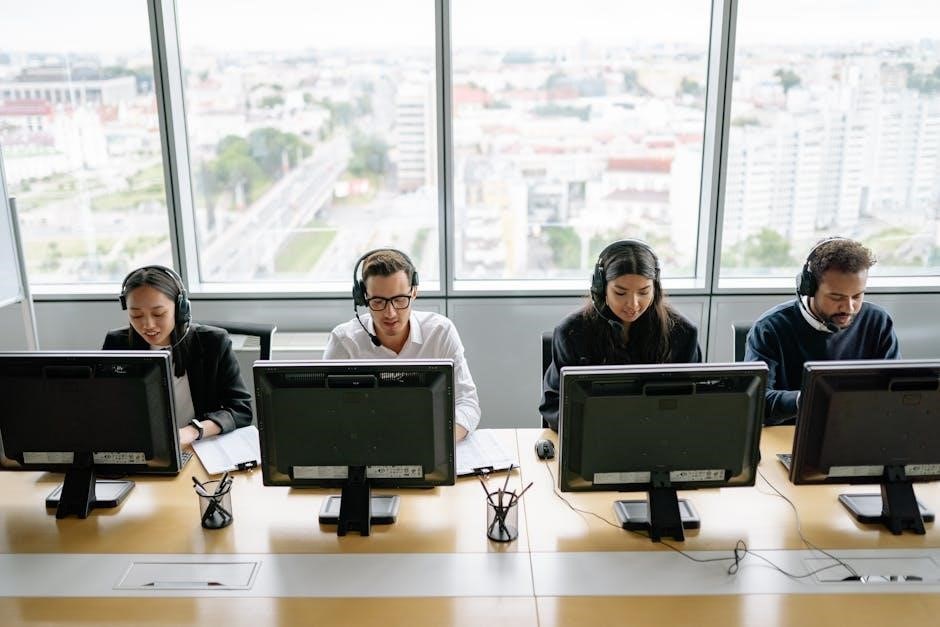
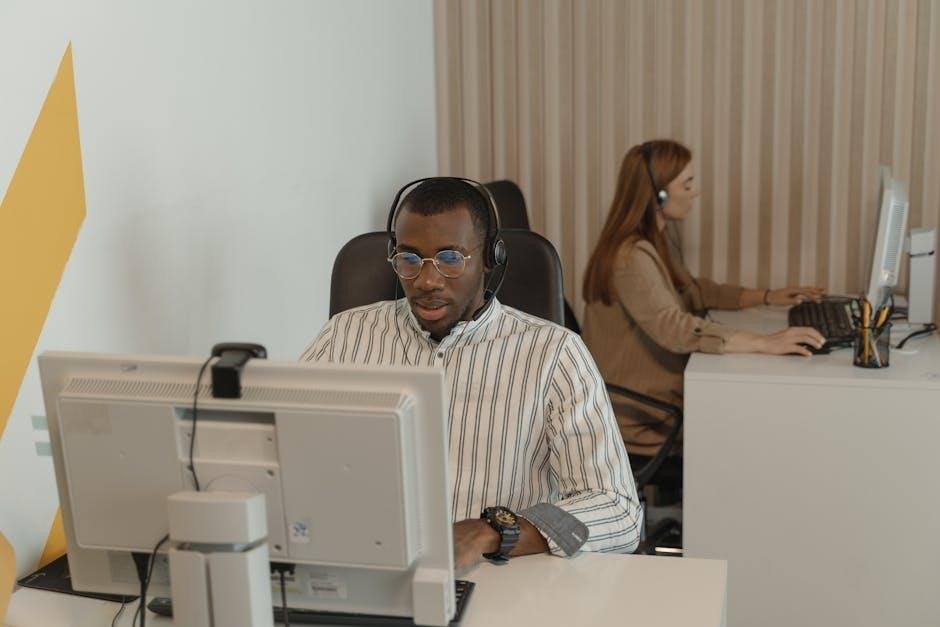
Help Desk Technicians are the first line of IT support, providing crucial assistance to end-users experiencing technical difficulties. A CompTIA A+ certification is often a baseline requirement for these roles, demonstrating foundational knowledge of hardware, software, and networking. Daily tasks include troubleshooting issues via phone, email, or in-person, documenting solutions, and escalating complex problems to higher-level support.
Successful Help Desk Technicians possess strong communication and problem-solving skills, alongside a patient and customer-focused attitude. They utilize remote support tools and ticketing systems to manage requests efficiently. This role provides invaluable experience and a stepping stone towards more specialized IT careers.
IT Support Specialist
IT Support Specialists build upon the Help Desk foundation, offering more in-depth technical assistance and often handling escalated issues. The CompTIA A+ certification remains highly valuable, showcasing a broad understanding of IT systems. Responsibilities include diagnosing and resolving hardware and software problems, installing and configuring applications, and maintaining IT infrastructure.
These specialists frequently work directly with users, providing training and support. They may also be involved in network maintenance and security protocols. Strong analytical skills and a proactive approach are essential for success, alongside the ability to work independently and as part of a team.
Field Service Technician
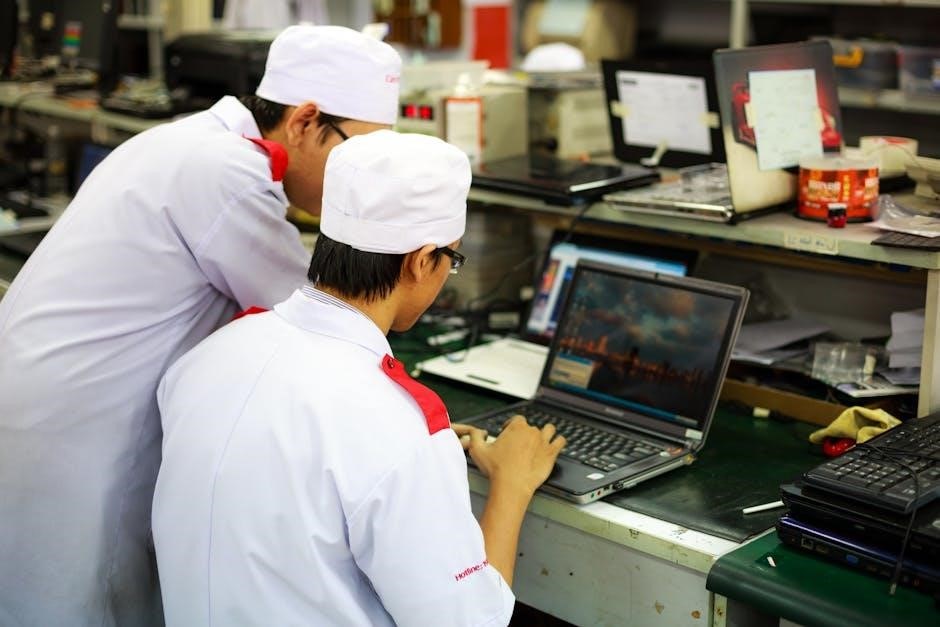
Field Service Technicians take IT support directly to the customer’s location, requiring excellent troubleshooting skills and adaptability. A CompTIA A+ certification demonstrates foundational knowledge crucial for diagnosing and repairing hardware, software, and network issues on-site. This role demands strong problem-solving abilities, as technicians encounter diverse environments and configurations.
They often manage their own schedules and travel frequently, necessitating excellent time management and communication skills. Beyond technical expertise, customer service is paramount, as technicians represent the company directly. Physical stamina and a valid driver’s license are typically required for this hands-on position.